
Follow this tutorial to create an email account in Plesk.
1. Log in to your Plesk account.
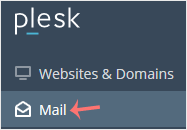
2. Click on Mail from the Sidebar Menu.
3. Click on Create Email Address.

4. Under the General tab, fill up the following details:
- Email Address: Enter an email, and should you have multiple domains, choose the appropriate one from the drop-down menu.
- Password: Enter a password or click on Generate to create one. Click on Show to copy the password.
- Mailbox: Select Default size or Another size and enter the amount of storage space.
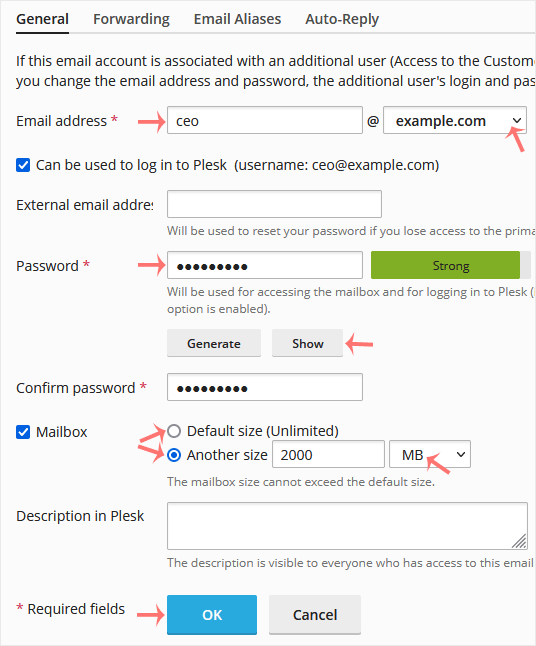
5. Click OK.
İlgili diğer dökümanlar
How to Access Email from Plesk Webmail
You can access your Email directly from Webmail. Open...
How to Rename an Email Address in Plesk
1. Log in to your Plesk account. 2. Click on Mail from the Sidebar...
How to Change Email Account Password in Plesk
You can change your email password in Plesk through the following steps:...